
Two-Player Games on One Keyboard
One computer, two people, no second controller and nothing to install.
36 games · hand-picked, then filled from the catalogue
The hardest part of playing something with another person is usually the setup: an account each, a controller each, a download that takes longer than the game lasts. These games skip all of it. One computer, one keyboard, two sets of hands.




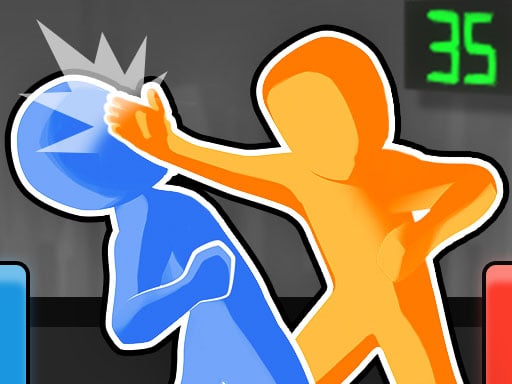




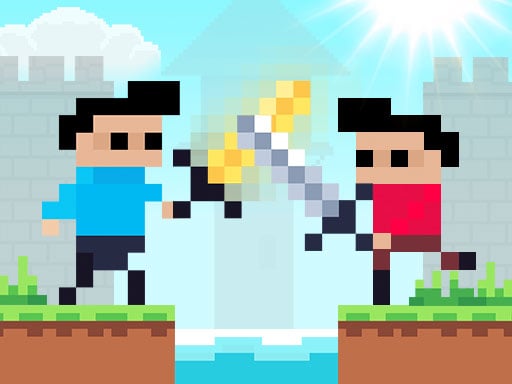

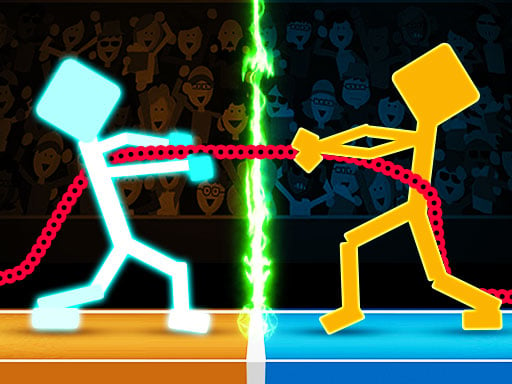

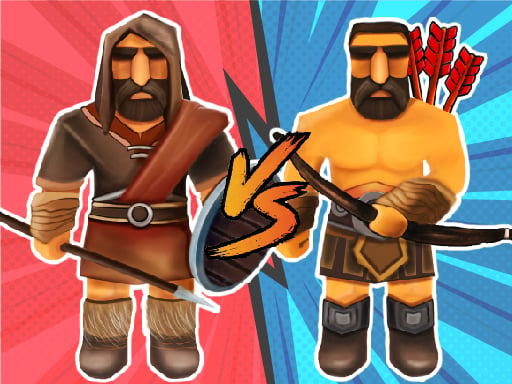
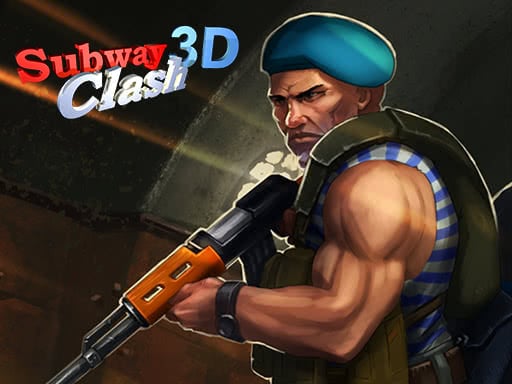

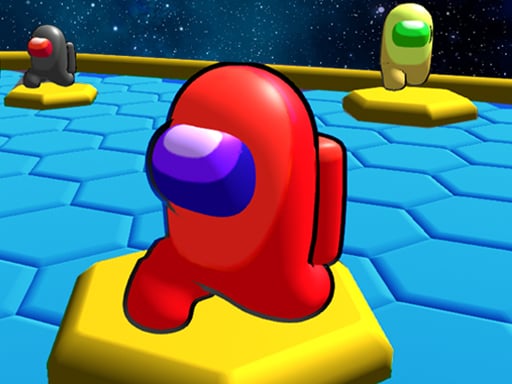
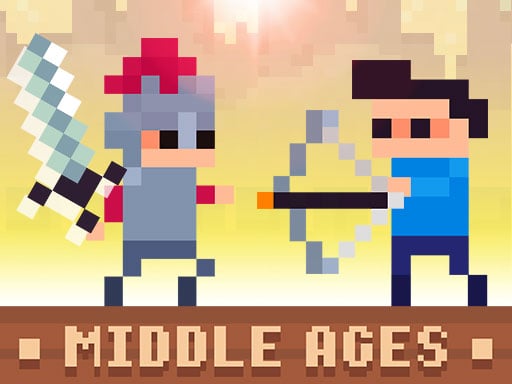
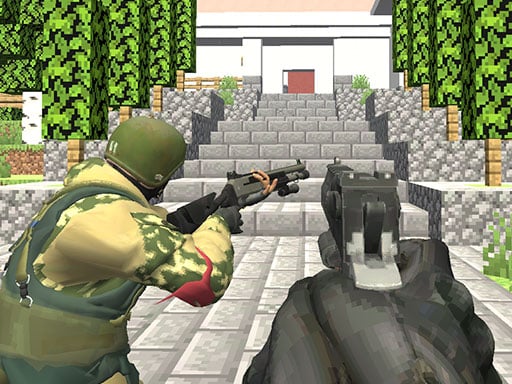


How this list is put together
The split is almost always the same. One player takes WASD on the left of the keyboard, the other takes the arrow keys on the right, and the game is designed so that neither of you needs more than two or three keys. That constraint is why they work: with only a couple of buttons each, nobody has to learn anything, and the first round starts about four seconds after the page loads.
We put the three Random games first because they are the clearest example of the idea. Each player has exactly one button. The physics are deliberately unfair — the hoop moves, the legs flail, the ball goes somewhere nobody intended — and that unfairness is what keeps two people of very different skill levels in the same match.
Below them the list widens into everything else in the catalogue built for two on one keyboard: fighting, racing, football, co-operative puzzles. They are ordered by how much people actually play them, with the games we have written about first.
Questions people ask
Do we need two controllers?
No. Every game here splits one keyboard between two people — usually WASD on the left and the arrow keys on the right, and in the simplest ones a single key each.
Can we play these on a phone?
Two people cannot share a phone keyboard, so most of these want a laptop or a desktop. A few work on a tablet with two thumbs on the same screen, and those are marked as mobile-friendly on their own page.
Is it the same as online multiplayer?
No, and that is the point. There is no matchmaking, no lobby and no stranger on the other end — the other player is sitting next to you.