
Games to Play at School on a Chromebook
Runs in the browser tab a school laptop already has open. No install, no extension.
36 games · hand-picked, then filled from the catalogue
A school Chromebook is a deliberately limited computer. You cannot install software, you cannot add extensions, you usually cannot change a setting that matters, and the graphics chip is doing well to drive the screen. Most game recommendations ignore all of that.
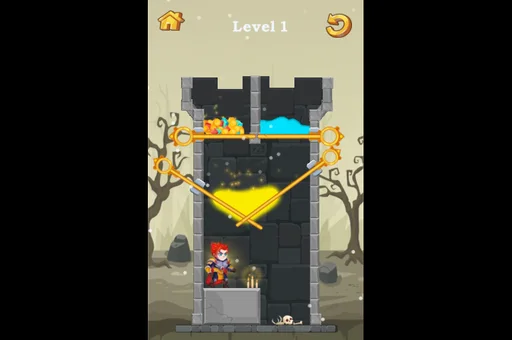












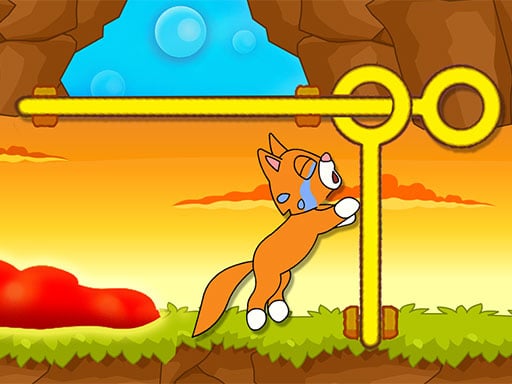










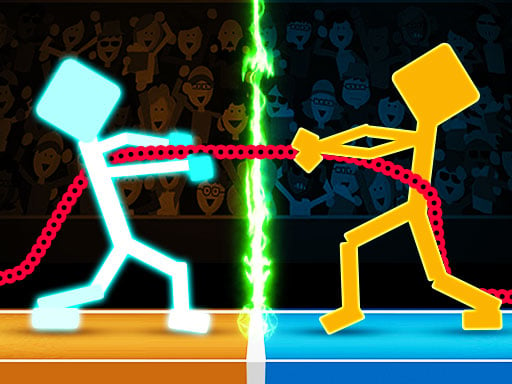









How this list is put together
This list only contains games that run inside a browser tab on a modest machine. No install, no extension, no admin password, no plugin — the page loads and the game is the page. That is the only technical claim we make, and it is one we can actually stand behind.
What we are not going to claim: that these will get past your school's filter. Filtering happens on the network, by web address, before the game is ever asked to load, and every school runs a different list. Anyone promising you otherwise is selling something. If a site opens on your school's wifi, browser games work on a Chromebook; if it does not open, no amount of choosing the right game changes that.
What we did instead is choose for the machine. Puzzles and logic games, which ask almost nothing of the hardware. Two-player games, because a school laptop usually has somebody else sitting next to it. Small arcade and .io games that load fast on a slow connection. Nothing that wants a microphone, a webcam or a graphics card.
Questions people ask
Will these get past my school's filter?
We cannot promise that, and anyone who does is guessing. School networks block by web address, not by game, and every school's list is different. What we can say is that nothing here needs an install, an extension or an admin password — so if the page opens, the game runs.
Do I need to download anything?
No. Everything runs inside the browser tab. A managed Chromebook usually blocks installs entirely, which is exactly why browser games are the ones that work on it.
Why are some games missing from this list?
Anything that needs a lot of graphics power, a microphone or a webcam is left out. School Chromebooks are deliberately modest machines and those games run badly or not at all.