























Two-player soccer games on one keyboard
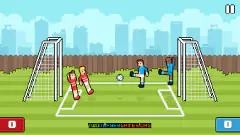
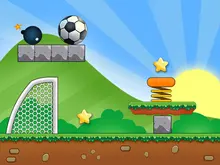
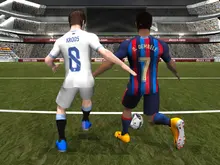
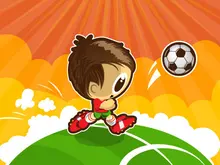
Soccer Random gives each team one key, W or the up arrow. Pressing it makes both players jump and kick together. After a goal, the pitch and ball change, so a move that worked a moment ago may send the next shot somewhere else. Learn the timing rather than trying to steer every foot.
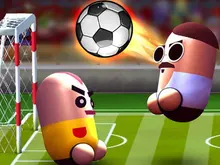
Pill Soccer adds running, jumping and a separate kick. Its ninety-second matches suit a quick rematch with somebody beside you. Choose Two Player for that shared-keyboard game; Quick Match plays against the computer despite its opponent-search screen.
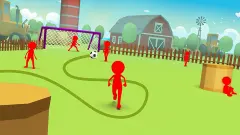
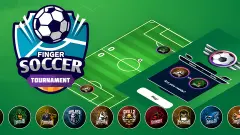
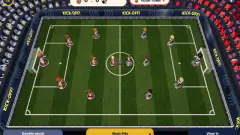
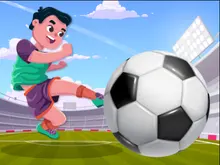
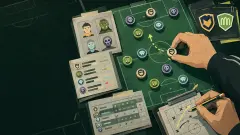
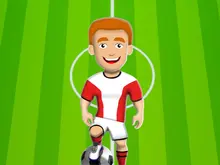
Toy Soccer Cup is turn-based tabletop football. Select a figure, pull back and release to send it towards the ball. Play against the computer, pass the same device between turns or choose online play. It gives you room to think about an angle before taking the shot.
Penalty shootouts, free kicks and aiming games
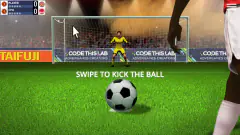
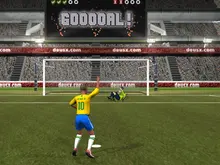
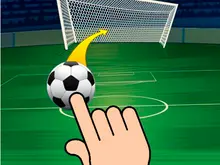
Penalty Challenge asks you to score and save: five shots alternate with spells as goalkeeper. Drag from the ball and release to shoot. Watch where the keeper is standing instead of treating every attempt as the same swipe.
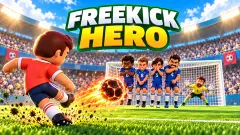
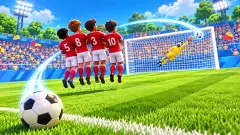
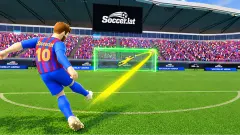
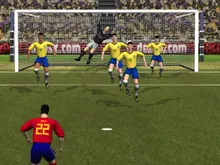
Freekick Hero splits a free kick into direction and a second choice of contact on the ball. A defensive wall blocks the easy route. Aim Again lets you revise the setup before you commit.
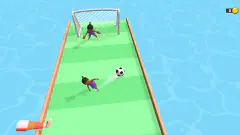
Soccer Dash carries the ball forward one kick at a time. Holding and dragging slows the action, giving you time to find a gap beside a defender before releasing.
Car football: position before speed
Pocket League 3D offers a huge ball, jumps, flips and two people sharing a keyboard. There is no boost button. Ninety seconds on the clock means a single mistake can decide the match.
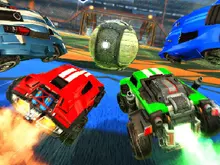
Rocket Soccer Derby gives you boost and computer teammates. Get behind the ball before spending the tank: a car facing the wrong way still faces the wrong way when it accelerates.
Pick a match for your device
On a computer with a friend, choose a game that explicitly lists a local two-player mode. For mouse or touch play, look at aiming games and Toy Soccer Cup, then check the controls on the game page. Opening in a phone browser does not guarantee usable touch controls.
For other shared-keyboard duels, see two-player games. Our sports games add basketball and other ways to compete.
Toy Soccer Cup on Android and iPhone develops a Club across leagues, Cups and training. The five touch techniques make position and contact central to each turn; try it here or install it free from either store.