



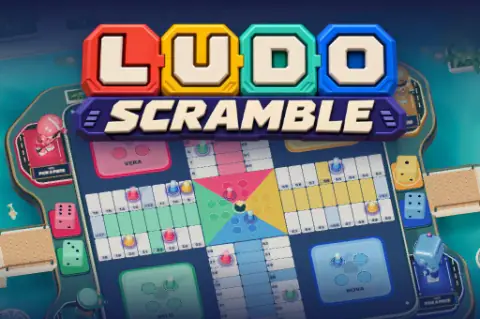










About Ludo Scramble
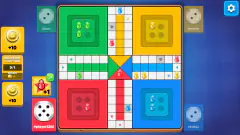
In Ludo Scramble, you can roll while the player next to you is still moving. Pick a color and race four pieces to the center of a 3D board. The first color to get all four home wins. This free browser beta from Mava Games starts in Scramble.
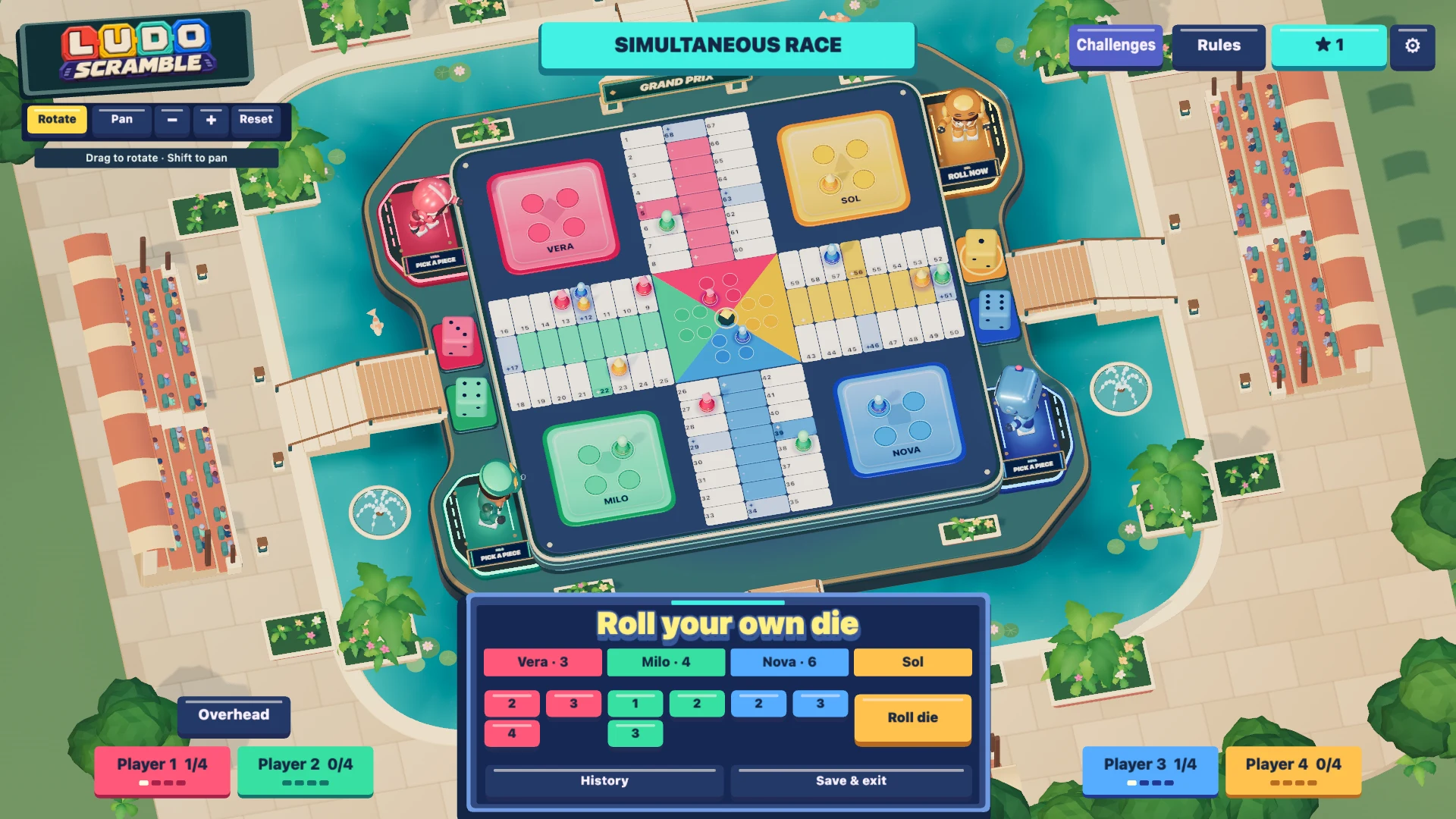
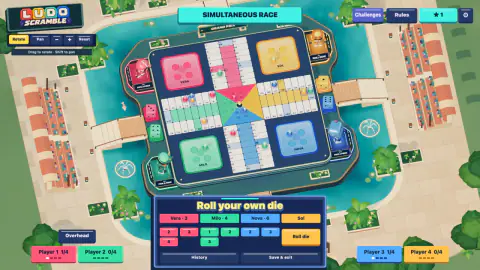
Tap Start the race to face the computer. To share a phone or computer, open Match setup and pick Local play. Scramble gives each player a color panel with their own die and piece buttons. Watch your color when other dice start to roll.
A star can buy you time
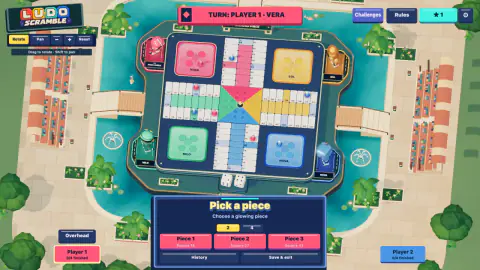
The default race starts with all pieces at home. Each 5 can bring out one piece. If you have a piece on the track, its glow will show when it can move. Your spare pieces at home stay there until you have a roll that can bring them out.
Look at the last square of a path before you tap. Land on a rival on an unmarked square to send that piece home. The default capture reward is a move of 20 spaces when you have a piece that can use it. Marked stars and start squares shield pieces. You can pass other pieces in the default race, so two pieces in your path need not stop you.
Watch the count when a rival has three in
If a rival has three pieces in the middle, they may win on their next move. You can still roll while they play. If one of your pieces can finish now, weigh that move against a capture on the main track. The race can end while you are still choosing. In the default race, a roll of 5 finishes a piece with 3 spaces left. A finish can give a different piece a 10-space bonus move.
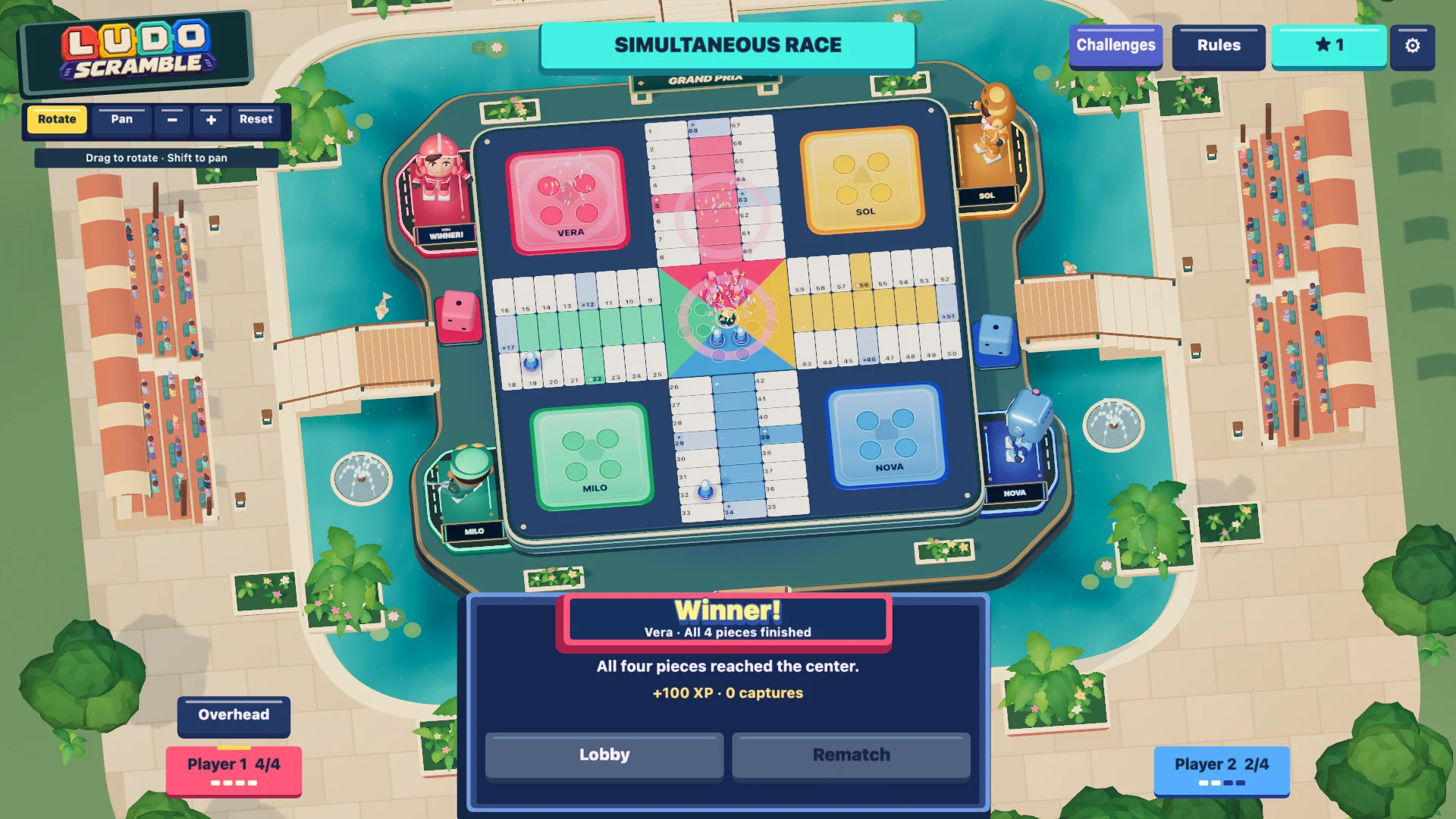
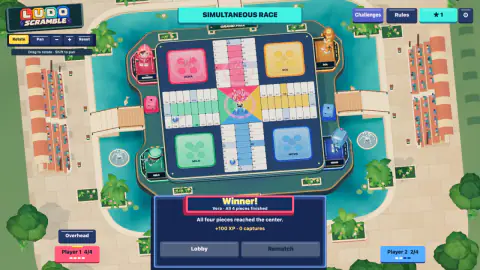
The last pawn triggers the win screen. You can see all four pieces in the middle before you pick Rematch. If you reload at this point, the same result comes back.
Pick a pace and a rule set
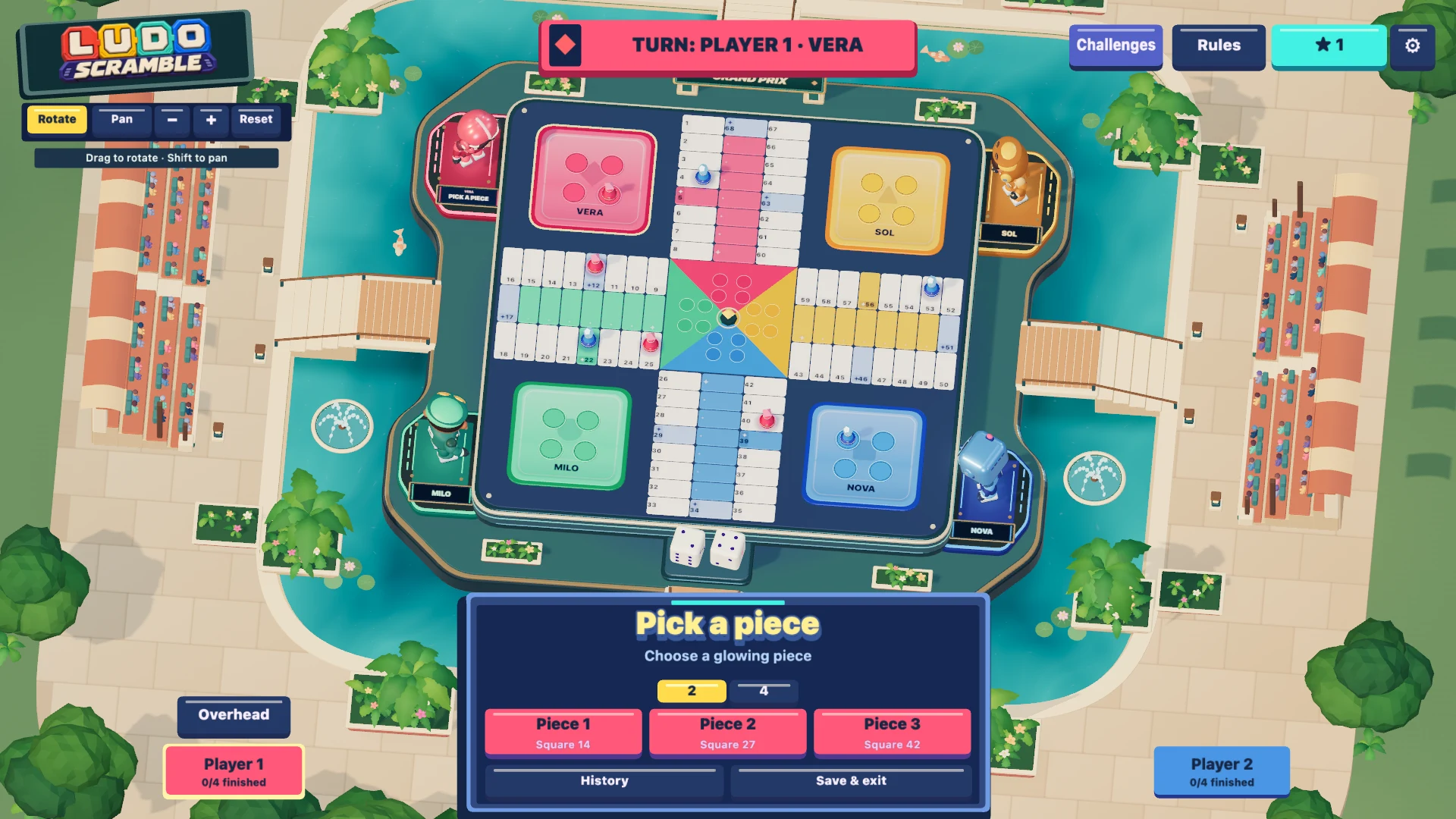
Classic hands the turn to each player in order. It starts with four pieces per color. Quick Match uses two pieces per color. With the default setup, both are already on the track. Those two modes use Spanish Parchís rules by default. You can use another rule set in any of the three modes.
| Rule set | What changes on the board |
|---|---|
| Spanish Parchís | One die. A 5 brings a piece out. A 6 gives another roll and counts as 7 for movement when all your pieces are out. Wait for the exact number to finish. |
| Ludo | A 52-square track and one die. Use a 6 to enter or move. A capture or finish earns an extra roll. |
| Parcheesi | Two dice. One 5 or a sum of 5 can bring a piece out. Use both values when you can. Matching dice give an extra roll. |
Set House rules before you start if your table plays another way. You can change the pieces that start on the track, safe squares, blocks and rewards. You can also choose whether you need an exact number to finish. Open Rules during play to see the rules for that match. Changing the setup for a new game leaves the saved match with its own rules.
Try each value before you tap a piece
In Parcheesi, a 2 and a 3 can pay for an entry. When both values can move a piece, tap one value and check which pieces light up. You may be able to spend both on one piece or split them across two. Think about where the first move leaves you before you use the other die.
Once all your pieces are out, a double also gives the numbers on the backs of the dice. A double 2 then gives 2, 2, 5 and 5. The four values add up to 14. If you cannot use them all, skip the move. The Extra Rolls page explains what happens on a third double.
Try a one-move puzzle
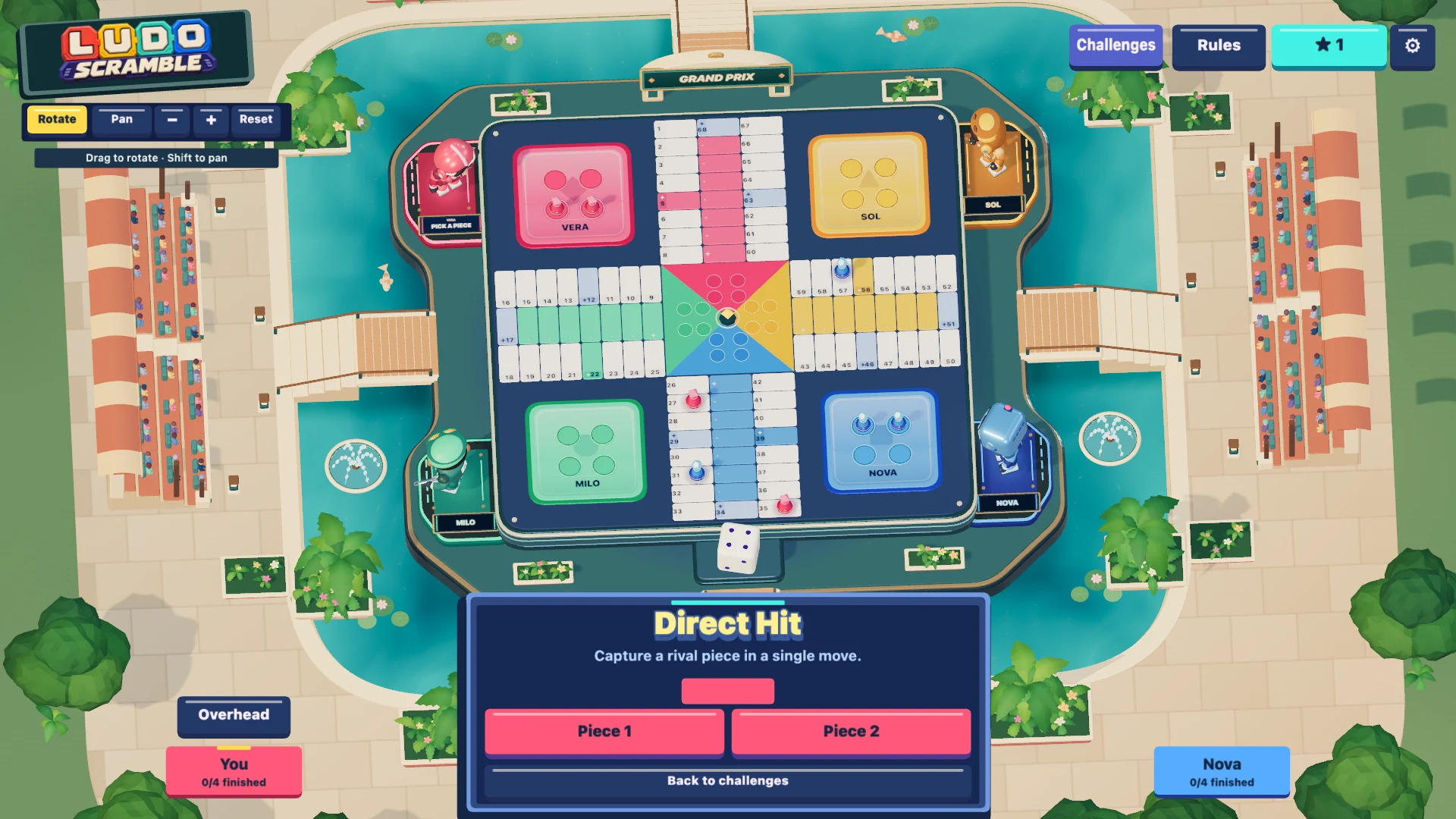
Open Challenges if you want to learn a board rule at your own pace. In Direct Hit, your job is to catch a rival with one move. The die is set. Look at the end of each path before you pick a piece. Two other puzzles ask you to reach a safe square or hit the center with the exact roll.
Wins and new puzzle clears earn XP. As your park level rises, it turns on the lights at the fountains and stands. To come back to a race, use Save & exit and then Resume match in the same browser. The game keeps the rule set and any dice you still have to play.
Turn the board when a square is hard to see
On a phone, drag one finger to turn the board. Pinch to zoom or drag with two fingers to move the view. With a mouse, drag to turn, use Shift and drag to move, or use the wheel to zoom. Reset brings the whole board back. Settings → Language offers 16 game languages.
Explore more board games or try Ludo World.
Screenshots
How to play Ludo Scramble
- Tap your die. In the default race, you need a 5 to bring one piece out of its base. If it is your only move, the game brings it out for you.
- Look at the glow. Tap a lit piece on the board or pick its number in your color panel.
- Check where it will land. Point at the piece or put focus on its button to see its path. A star can keep the piece safe.
- Use the bonus if you can. After a capture or a finish, play the bonus move before you roll again.
- Get all four to the center. Watch the count by each player. The race ends when one color reaches 4/4.
Controls
| Tap or click the die | Roll for your color. On a keyboard, use Space or R. |
|---|---|
| Tap a glowing piece | Move the piece you picked. On a keyboard, use 1–4. |
| Tap a die value | With two dice, choose a value before you move a piece. |
| Drag or pinch | Drag to turn the board. Pinch or use the mouse wheel to zoom. |
| Two fingers or Shift + drag | Move the view without turning the board. Use Reset to center it again. |
Features
- Scramble is a race to the center where all colors roll and move at the same time.
- Solo play against the computer and local play for two to four people on one device.
- Classic with four pieces, Quick Match with two, and three puzzles you can solve in one move.
- Spanish Parchís, Ludo and two-dice Parcheesi rules with settings for the start, safe squares and the finish.
- A 3D board you can turn or zoom, with color-coded controls in portrait and landscape.
- Sixteen game languages and saved matches in the same browser.
Game details
- Developer
- Mava Games
- Release date
- November 2026
- Last updated
- November 23, 2026
- Added here
- November 2026
- Technology
- HTML5 · WebGL (3D)
- Platforms
- Desktop browser, Mobile and tablet browser
- Classification
- 3D , Arcade , Cards & Board
- Saved progress
- Saving, when available, is managed by this game. Mava cannot confirm your level.
FAQ
Can I play Ludo Scramble for free?
Yes. The browser beta is free. Tap Play on this page to open it.
How do I get my first piece out in Scramble?
With the default rules, roll a 5. It brings one piece from home to your start square.
How do I play with a friend on the same phone?
Open Match setup, pick Local play and set the number of players. In Scramble each color has its own controls. You can also pick Classic for turns.
Which rules use two dice?
Pick Parcheesi under Rule set. A 5 on one die or a total of 5 can bring a piece out. Pick a die value and a piece to move.
Can I come back to the same match?
Yes. Open the game in the same browser and choose Resume match. The game also keeps the Scramble result if you reload after a win.
Do the pieces need an exact roll to go home?
In default Scramble, they can finish on a roll that reaches or passes the center. Spanish Parchís, Ludo and Parcheesi start with an exact finish.
What can I play before a full race?
Quick Match starts with two pieces per color and both are on the track by default. The three puzzles in Challenges are each one move long.
How do I put the game in my language?
Open Settings and choose Language. The game has 16 options. It saves your choice in that browser.