










What the publisher says about Pixel Color Quest
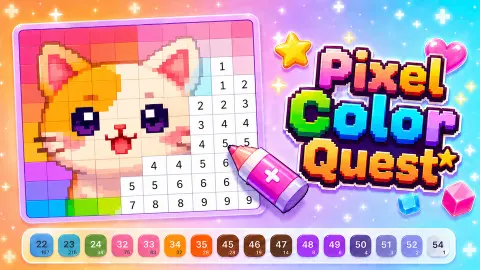
Choose a picture you like and turn a blank field into a bright pixel artwork. Pick the required colors and carefully fill the cells by following their numbers. Start with simple images or test your attention on large, detailed levels. Different themes and difficulty levels let you choose a quick picture for relaxation or a serious creative challenge. - Many pictures across different themes - Easy and challenging levels - Clear numbered color palette - Bright pixel images - Calm coloring without rushing
Controls, as supplied: Goal: completely color the selected picture. Find the number inside a cell, choose the color with the same number, and fill every matching cell. The picture is complete when every section has the correct color. Desktop: - Left mouse button — select a picture or color. - Left mouse button on a cell — fill it with the selected color. Phone and tablet: - Tap a picture or color to select it. - Tap the required cell to fill it.
Those are the studio's own words, reproduced as we received them and not checked by us. The feed occasionally describes a different game altogether, so treat it as a starting point rather than a fact.
We have not written about Pixel Color Quest ourselves yet. Every game we cover is played first, so this page waits until that happens. The game above works either way.
Game details
- Developer
- Partner studio
- Added here
- August 2026
- Technology
- HTML5
- Platforms
- Browser (desktop, mobile, tablet)
- Saved progress
- Saving, when available, is managed by this game. Mava cannot confirm your level.