












About Pick a Lock
Most games that ask you to tap on time get harder the way you expect: faster, then faster again. Pick a Lock does something quieter. The needle at level 30 moves exactly as fast as the needle at level 1. What changes is how many times in a row you have to be right.
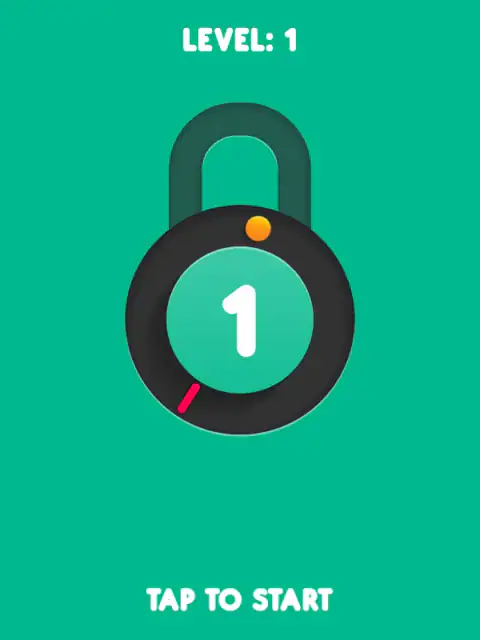
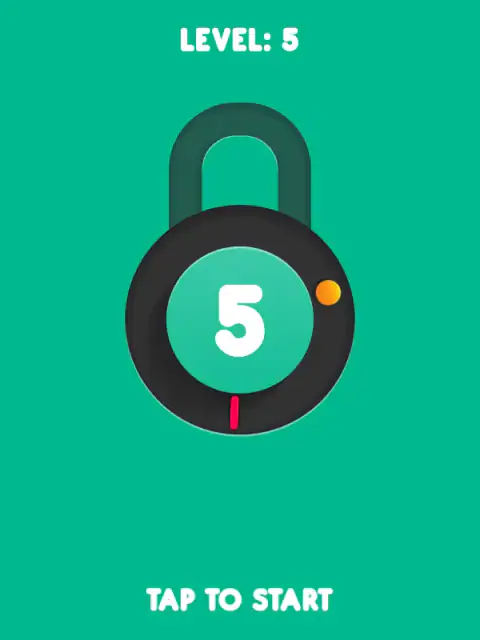
The screen is a padlock with a number in the middle. A red needle circles the inside of the ring, and an orange dot waits somewhere on it. Tap when they meet and the number drops by one. Reach zero and the shackle pops up. Level 1 is a single tap. Level 8 is eight, back to back, and one slip anywhere sends you back to the full count.
It is made by Inlogic Software, a Slovak studio whose logo opens the game and whose name sits in the copyright line on screen, dated 2015. A popular games portal has hosted it since December 2017 and rates it 7.2 out of 10 from 11,599 votes, over more than three million plays. The version here is Inlogic's own upload.
Why a longer lock is harder when nothing gets faster
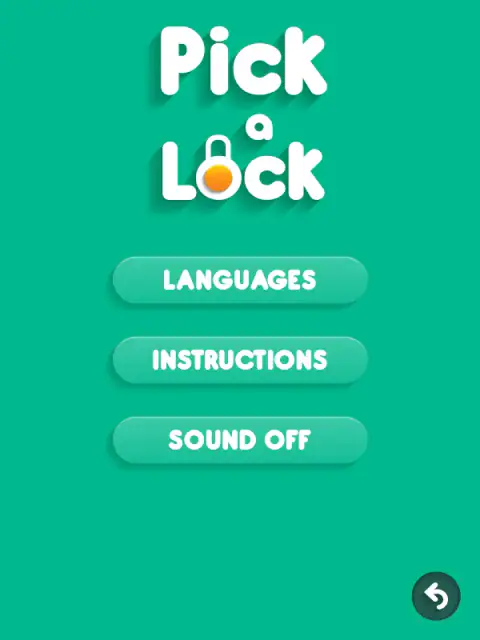
The instructions on the menu screen say each lock is harder to unlock than the one before. Here is exactly how. The number in the middle of lock N is N. The needle's speed is picked for each pin from the same narrow band, a full turn every 1.7 to 1.9 seconds, and the hit window never shrinks.
So the difficulty is pure repetition. If you land nine taps out of ten, a three-pin lock is easy and a twelve-pin lock opens less often than it fails. At that rate level 15 opens about one time in five, and no new rule has appeared to make it so. Our best run opened level 1 in about a second and level 8 in about nine.
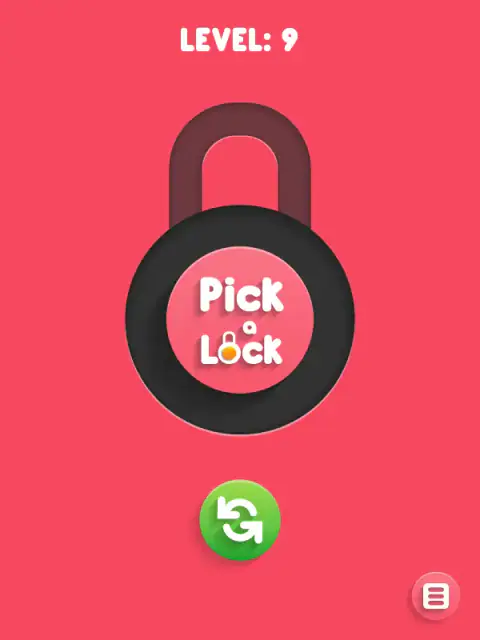
A miss is not the end of your progress. The screen turns red, shakes for half a second and returns to the menu, and the counter refills to the level number. The level itself stays, and it is saved in the browser with your sound and language choices, so closing the tab does not cost you anything.
Pick a Lock and Pop the Lock
If this looks familiar, it is probably because of Pop the Lock, the 2015 mobile game by Simple Machine that turned needle-and-dot timing into a genre, with more than 200 levels on the App Store. Its store page sums up the rule this game shares: tap in sequence, and a mistake sends you back to the beginning.
Pick a Lock is Inlogic's own take on the idea: a green screen, the counter printed inside the padlock, and none of Pop the Lock's unlockable hats. It is also stricter in one way: there is no score to chase. Nothing ever grades or displays how close a hit was. The level is the only thing the game keeps.
What real lock picking has in common with it
The padlock is a cartoon, but the counter in the middle is close to the real thing. A modern pin tumbler lock, the design Linus Yale Sr. introduced in 1848 and his son refined with the flat serrated key in 1861, holds a row of spring-loaded pins. Most everyday cylinders have five or six of them. A picker sets them one at a time while a small tension wrench turns the core just enough to hold each set pin in place.
Two things carry over. First, the pins come one after another, and each has its own moment. Second, a single bad move can undo the work: a pin pushed too far, which pickers call overset, keeps the lock shut until it is reset. In the game that is the red screen and the full counter. By that measure, an ordinary front-door lock sits around level 5 or 6 here.
What we played, and what we did not
We played it in a browser. We opened the menu, read the instructions, looked at the seven language flags and cleared levels 1 to 8, thirty-six pins in all. The hit window is short enough that a loosely timed click missed the very first pin, so those taps needed careful timing. We also failed on purpose twice, once by tapping far from the dot and once by letting the needle run past it. We did not play on a real phone or tablet, and we did not go past level 9.
Two practical notes. The game starts muted on a first visit; the menu button in the bottom right corner has a SOUND switch. And it asks for an advert often: when you start a lock, when you open one, and when you tap in the wrong place. Letting the needle slide past the dot is the one failure that does not ask. On a phone it is built for portrait, and it asks you to rotate the screen if you hold it sideways.
More games by Inlogic
The same studio made Temple Quest, Inlogic's temple runner where the bends are not a steering wheel, and Wild Hunting Clash, their first-person hunting game with a scope that shows you where the heart is. Drifting Mania is an Inlogic build too — hold to swing your car round the post on each corner and see how many you survive. For a different kind of timing game, Basketball AllStars trades the needle for a supershot bar, and Chubby Duck Jump is a hold-and-release timer from a different studio, never standing still for five seconds. More in our casual category.
Screenshots
How to play Pick a Lock
- Press the orange play button. The lock appears with the level number above it and TAP TO START below.
- Tap once to set the needle moving. It starts in a random direction.
- Tap when the needle is on the orange dot. The counter drops by one, the needle turns round, and a new dot appears elsewhere on the ring.
- Keep going until the counter reads zero. The lock opens, your level goes up by one, and the next lock has one more pin.
Any key on the keyboard does the same as a tap, which is handy if your mouse button is slow to click.
Tips from our session
- Aim for the centre of the dot, not its edge. A hit counts within 10 degrees either side of the centre, a window the needle crosses in about a tenth of a second. Our first attempt fired as the needle reached the edge of the dot, landed 10.8 degrees out and failed at level 1.
- Never wait for the next lap. Once the needle has touched the dot, letting it leave without a tap fails the lock. In our test that took well under a second.
- Watch the direction change. After every hit the needle reverses, and the new dot is always placed more than 60 degrees away. Look for it before you look at the needle.
- Do not count on things speeding up. The speed is re-rolled for every pin, so two pins in a row can feel slightly different, but the range never moves.
Controls
| Click or tap anywhere | Start the lock, then stop the needle on the dot |
|---|---|
| Any key | Works the same as a tap, from the menu and during a lock |
| Menu button (bottom right) | Languages, instructions and sound |
Features
- Level 1 is one pin, level 8 is eight; each level adds exactly one
- A hit counts only within 10 degrees either side of the dot, about a tenth of a second of needle travel
- The needle reverses after every hit, at a speed re-rolled each pin but never raised by level
- Let the needle slide past the dot and the lock fails; there is no waiting for the next lap
- A miss resets the lock you are on, not your level, and the level is saved in the browser
- Seven languages, and the sound starts switched off on your first visit
Game details
- Developer
- Inlogic Software
- Release date
- December 2017
- Added here
- February 2020
- Technology
- HTML5 (Phaser 2, portrait 800 px tall)
- Platforms
- Browser (desktop), Browser (mobile & tablet, touch)
- Download size
- 0.7 MB
- Ad requests
- 3 (few)
- Has a save
- Yes
- Saved progress
- Saving, when available, is managed by this game. Mava cannot confirm your level.
Measured by opening the game ourselves on 2026-09-11, not taken from the feed. Twelve seconds on a phone-sized screen, with ad requests counted and blocked rather than loaded.
FAQ
What is Pick a Lock?
Pick a Lock is a free one-tap timing game by the Slovak studio Inlogic Software. A red needle circles a padlock, and you tap when it touches the orange dot. Each hit takes one off the counter in the middle, and at zero the lock opens and the next level adds one more pin.
How do you play Pick a Lock?
Press play, tap once to start, then tap or click each time the red needle is on the orange dot. The needle turns back after every hit and a new dot appears somewhere else. Tapping off the dot, or letting the needle slide past it, fails the lock.
Does Pick a Lock get faster at higher levels?
No. The game picks a new needle speed for every pin from the same narrow range, whatever the level. What grows is the number of pins, one more per level, so a long lock is harder because it gives you more chances to slip.
Do you lose your level when you fail in Pick a Lock?
No. A miss sends you back to the start of the lock you were on, with the full counter again, but your level stays. It is saved in the browser, so it is still there when you come back, unless you clear the site's data.
Why is there no sound in Pick a Lock?
On a first visit the game starts with sound switched off. Open the menu with the button in the bottom right corner and press SOUND to turn it on; the setting is saved with your level.
Is Pick a Lock the same as Pop the Lock?
No. Pop the Lock is a 2015 mobile game by Simple Machine that made this idea popular. Pick a Lock is a separate browser game by Inlogic Software with the same basic rule: a needle, a dot and a counter of hits to the open lock.
Does Pick a Lock teach you to pick a real lock?
No, and it does not try to. Real lock picking is about feeling pins set inside a cylinder with a tension wrench and a pick, by touch and with no clock. This is a timing game: one needle, one dot, one tap. The only thing the two share is the word, which is why searches for picking locks bring people here by mistake.
Can I play Pick a Lock unblocked?
It is an HTML5 game that runs in a browser tab with nothing to download or install. Whether a school or work network allows the site is up to that network; we do not offer ways around filters.
Is there a high score in Pick a Lock?
Not one you can see. Nothing on screen ever shows a score. Your level is the only record the game keeps.