






































How this list is put together
Decorate as you like
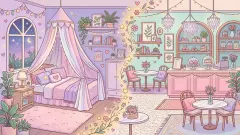
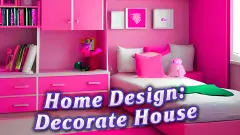
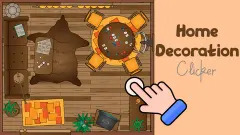
Dream Room shows each room from the side, like a dollhouse with the front taken off. You start with 300 coins, buy furniture and decorations, tap them into place and save. Pieces can overlap freely, with no grid and no snapping, so you can stack and squeeze them however you want. Bedroom and Living Room are open from the start; the Kids Room, Kitchen, Balcony and Cafe need coins and a level. There is no score and no way to lose.
Dream Home goes further: you build the house too. You drag a rectangle on an empty lawn and it becomes a room. Then you pick doors and windows from the Walls tab and click a wall to swap them in, choose beds and wardrobes, and paint the walls from a palette of 24 colours. There are thirteen catalogue tabs, from Kitchen and Bathroom to Outdoor and Holiday, and floor buttons from B up to 5.
Decorating as a puzzle
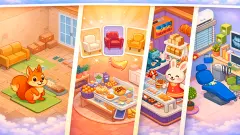
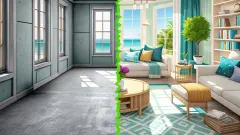
Some decoration games have a right answer. Room Makeover: Design And Aesthetic shows you the finished room, takes it apart and asks you to put the pieces back: seventeen in the first room. Each piece has one correct place. A wrong drop costs nothing: the piece simply floats back to the tray.
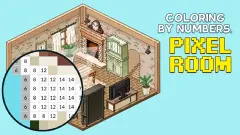
Coloring by Numbers. Pixel Room builds a room out of eighteen pixel drawings of furniture. You zoom in until the numbers appear and paint each square in its colour. No timer, no lives.
Not only houses
Decorating is also what you do to a phone case, a cake or a sweater, and the rest of this page fills with those too: spray-painting a case, icing a cake, picking patterns for a jumper. If you like fitting out a place more than colouring it, our shopping games, where you build a whole store, are a close neighbour.
How to choose
Free decorating with no goal: Dream Room. Building from the ground up: Dream Home. Something calm for a younger child: Room Makeover or the pixel colouring game, where there is nothing to fail. Each card on the page says whether the game is confirmed to work on a phone.