












































How this list is put together
Behind the till
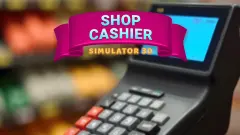
Shop Cashier Simulator 3D puts you behind the counter. You click each item to scan it, type the total on the keypad and, from the second working day, open the till drawer to give change. The screen shows Total, Change and Giving: click notes and coins until Giving matches Change. The till does the subtraction for you, so the skill is building the amount, which is a good little lesson in money for younger players.
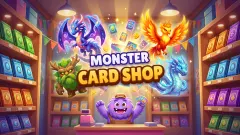
Monster Card Shop is a trading-card shop where you take the money yourself, either by dragging a customer's bank card across a reader or by counting coins into a tray. Overpay and the tray turns pink and says Too much!, so the mistake is yours to undo. Every pack you open fills an album with 64 slots.
Spending spree
Shopping Simulator is the opposite side of the counter. You start with 1000$ and a shop of items with star ratings, like a real online store; the cheapest, a smart watch, costs 107$. When the money runs out, you earn more by tapping a hamster or solving a sliding picture puzzle. Your balance and purchases were still there when we reloaded the page.
Build your own store
Shop tycoon games start with nothing. In My Phone Store you walk a shopkeeper around an empty phone shop, and the first job is a reception desk that costs $50 while you have 0. The trick is the pile of banknotes just inside the door: pick it up first. The game says you go on to make and sell smartphones, laptops and tablets. Other picks do the same with a supermarket, a beach shop, a sweet shop or a farm shop, and one has you packing orders into boxes as tightly as you can.
How to choose
Younger children usually like the cashier games best, because counting change is a real skill with a clear right answer. Older kids who enjoy planning go for the tycoon games, where every coin goes back into the shop. And if you only want to fill a shopping bag, the spending games and the dress-up sales are the relaxed corner of this page.